
Aurora Database with EC2
Project Link: View Project
Author: Duc Thai
Email: ducthai060501@gmail.com
Connect a Web App to Amazon Aurora
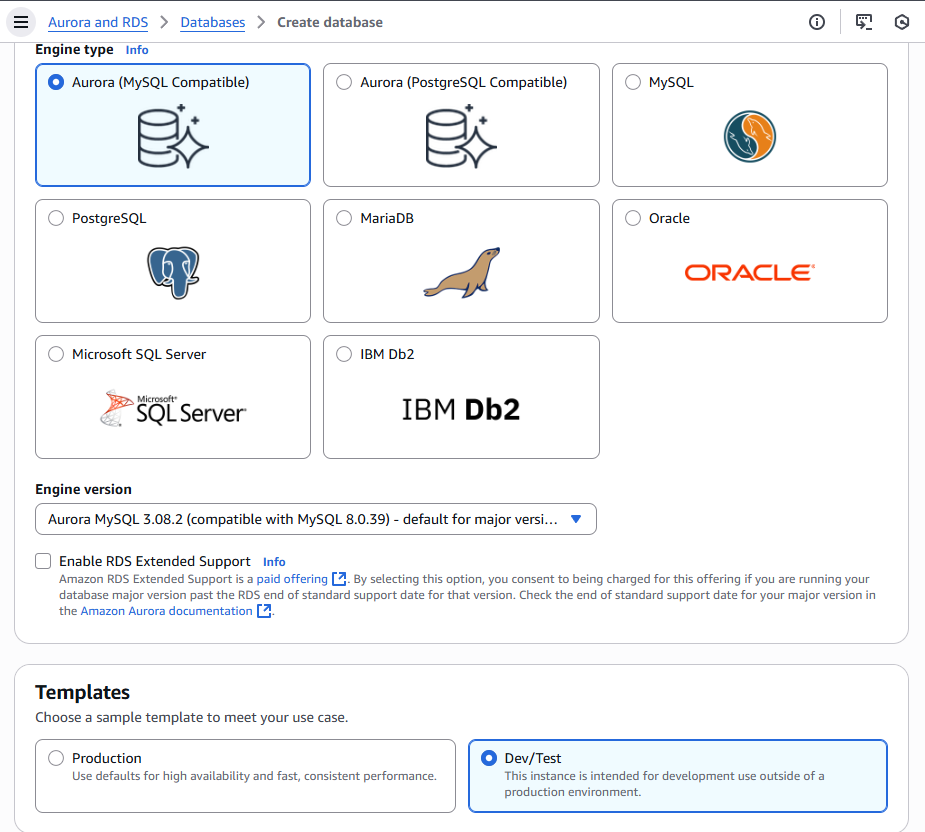
Introducing Today's Project!
What is Amazon Aurora?
Amazon Aurora is a fully managed relational database service built for high performance and reliability. It’s compatible with MySQL and PostgreSQL, meaning it works with existing tools and applications. It is useful because it automatically handles tasks like backups, replication, and failover while delivering faster performance than traditional databases. Aurora also scales storage and compute independently, making it cost-efficient and ideal for modern, high-traffic applications.
How I used Amazon Aurora in this project
In today's project, I used Amazon Aurora to create a relational database that can store and manage data for my web application. I set it up in a cluster for better performance and reliability, and connected it to my EC2 instance so my web app can interact with the database directly. This helped me learn how Aurora integrates with other AWS services and how to securely connect a database to a web server in the same VPC.
One thing I didn't expect in this project was...
One thing I didn't expect in this project was Aurora doesn’t automatically create a reader. By default, when I “Create database” for Aurora, AWS makes one DB instance (the writer) in the cluster. You only get a reader if you explicitly add one during creation or after. Since I pick all the options at the cheapest tier, there is no reader cluster added for me.
This project took me...
I project take me 80 minutes.
In the first part of my project...
Creating an Aurora Cluster
A relational database is a type of database that organizes data into tables, which are collections of rows and columns. Kind of like a spreadhsheet! We call it "relational" because the rows relate to the columns and vice-versa.
When a database is relational we can query it using a special language called SQL (Structured Query Language)
Aurora is a good choice when you want a high-performance, highly available, and fully managed relational database that is compatible with MySQL or PostgreSQL. It is ideal for applications that need fast read and write speeds, automatic backups, scalability, and fault tolerance, without having to manage the underlying infrastructure yourself.
Halfway through I stopped!
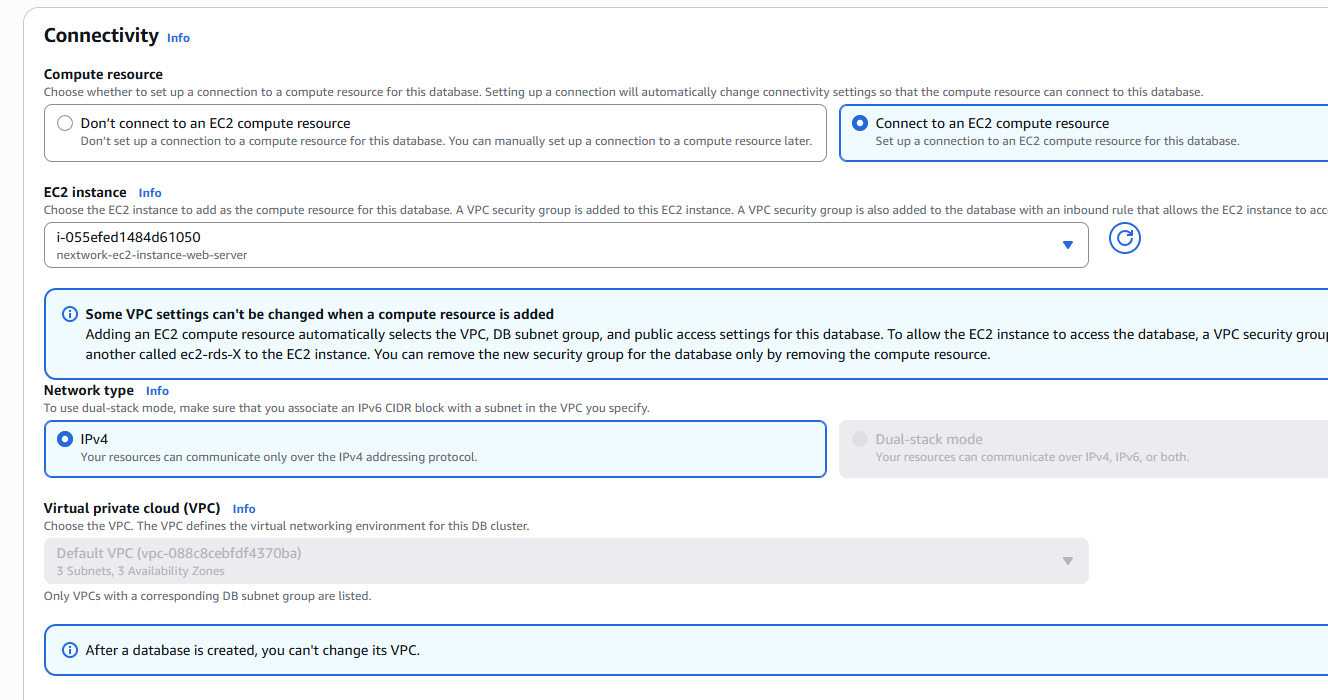
I stopped creating my Aurora database because, during the connectivity configuration, there was an option to connect the database to an EC2 instance. Since my goal is to link a web app hosted on EC2 to this Aurora database, I need to have an EC2 instance ready first. I hadn’t created one yet, so I paused the Aurora setup to create an EC2 instance in the same VPC before continuing.
Features of my EC2 instance
I created a new key pair for my EC2 instance because it’s required to securely connect to the instance using SSH. The key pair acts as a digital lock and key — AWS stores the public key on the instance, and I keep the private key (.pem file) on my local machine. Without this key, I wouldn’t be able to access or manage my EC2 instance safely.
When I created my EC2 instance, I took particular note of the Public IPv4 DNS and key pair name because the Public IPv4 DNS is what I use to connect to my instance from my local terminal or tools like SSH, and the key pair name tells me which private key file I need to use for that connection. Without these two details, I wouldn’t be able to securely log in or manage my EC2 instance.
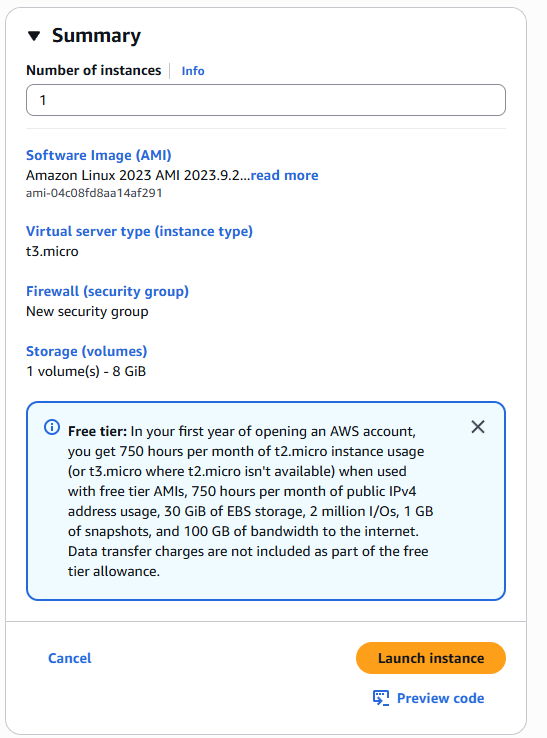
Then I could finish setting up my database
Aurora Database uses clusters because they provide high availability, scalability, and fault tolerance. A cluster separates the writer instance (for updates) from reader instances (for queries), which helps balance the workload. If one instance fails, another can take over automatically without downtime. This setup ensures better performance and reliability for applications.